
Invoice-Generator.com vs InInvoice.App
Two free ways to turn completed work into a professional invoice. Which one fits the way you work?
By the InInvoice.App team · Features checked 26 September 2026
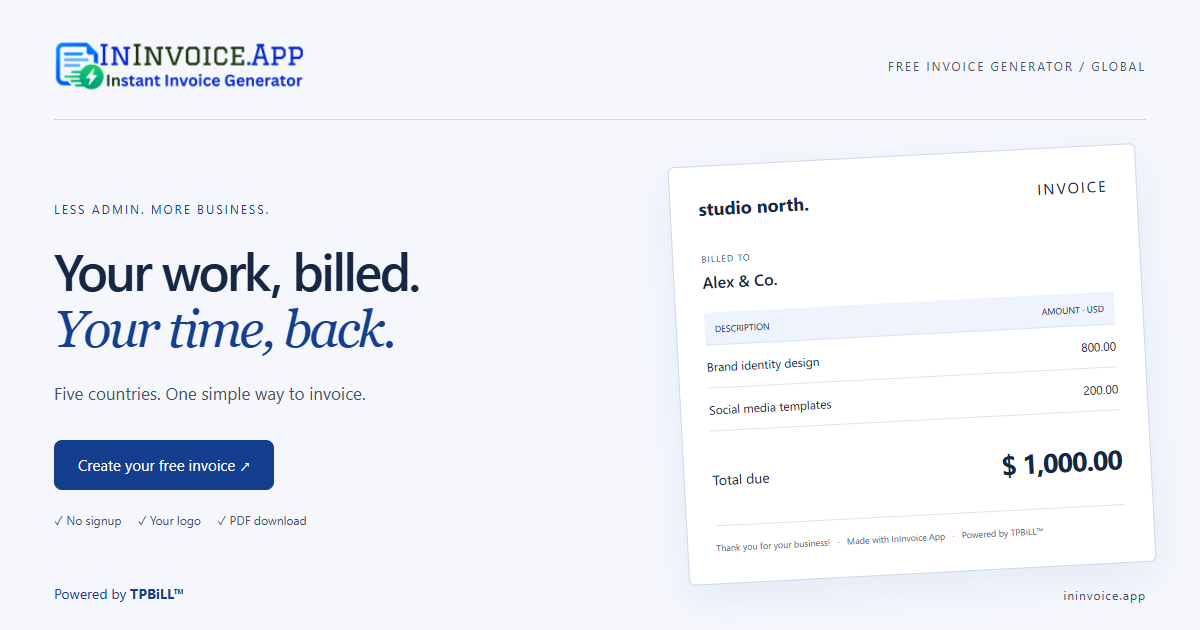
For a freelancer or small business, a good invoice tool gets the essentials right: clear customer details, accurate amounts, a readable document, and an export you can actually send. Both tools offer a straightforward starting point. The more useful question is which workflow feels natural for your business.
This comparison is written by InInvoice.App. We describe our own product and the public features visible on Invoice-Generator.com on the date above. Features may change.
The main difference: your starting point
Invoice-Generator.com presents a general-purpose invoice form with editable line items and a currency selector. InInvoice.App starts with your country, sets its currency, and provides local tax controls alongside a text-based invoice editor.
InInvoice currently supports India, the United States, Canada, the United Kingdom, and Australia. If you need a country or currency outside these five, that limitation matters more than any design preference.
A practical feature comparison
| Everyday task | Invoice-Generator.com | InInvoice.App |
|---|---|---|
| Free invoice PDF | Yes, with no signup required | Yes, with no signup required |
| Business branding | Custom logo and editable labels | Custom logo, business details, and document heading |
| Currency workflow | Currency selector | INR, USD, CAD, GBP, or AUD set by country page |
| Entering items | Editable invoice form | Type a simple item list and edit the preview |
| Tax and discounts | Tax and discount controls | Inclusive or exclusive tax, text-based discounts, regional breakdowns |
| Other documents | Links to dedicated document generators | Quotes, estimates, paid receipts, custom headings, and shipping slips |
| Country-specific start | General invoice editor | Five dedicated country pages |
Source for the Invoice-Generator.com column: its public editor and FAQ. This is a workflow comparison, not an exhaustive audit of either product.
What the local approach changes
When you open the India version of InInvoice, the invoice uses rupees. The GST controls let you show CGST and SGST separately or use IGST. You can add a place of supply, customer GSTIN, and reverse-charge declaration. HSN or SAC information can be included in item descriptions.
The Canadian version uses Canadian dollars and lets you label the main tax as GST or HST, with an optional separate PST or QST rate. The UK version uses pounds and VAT controls; Australia uses Australian dollars and GST; the US version uses US dollars and an editable sales tax rate.
These settings reduce repetitive setup. They do not decide which tax applies. InInvoice uses one main tax rate per document, and it does not automatically handle mixed-rate products, exemptions, or tax filing.
If you prefer typing to filling out fields
InInvoice’s editor accepts a small, structured description:
Invoice to Alex
3 x Consultation @ 150
1 x Project report @ 300
Due in 15 days
Notes: Thank you for your business.
The preview updates while you type. You can then change individual names, dates, descriptions, quantities, and prices directly on the document. This works well for short service invoices or simple product lists. Use the separate tax controls to confirm the treatment and rate.
This is a local parser, not an AI accounting service. Clear quantities and prices produce the best result. Always review how your text has been interpreted before sending the invoice.
Saving, downloading, and working next time
InInvoice saves your business profile and invoice history in the current browser. Each country has its own draft and history, so switching from a USD invoice to a GBP invoice does not silently change an existing document’s currency.
Local storage keeps invoice content on your device, but it also means your history is not available automatically on another computer. Clearing site data may remove it. Download a PDF for a lasting copy and use the JSON export when you need a structured record. JSON import and cloud sync are not included.
Which should you choose?
Try InInvoice.App if you invoice in one of its five supported countries, want the currency ready when you arrive, and like turning a short typed list into an editable document. It is designed around simple, repeatable everyday billing.
Try Invoice-Generator.com if you prefer its general invoice form, want to choose a currency in the editor, or want to explore its separate document generators. The best choice is the one that makes your own invoice routine easier.
Neither a template nor a PDF download replaces checking the information on the document. Add your actual business and customer details, confirm the numbers, and keep your own records.
Make a sample before you decide
Create the same small invoice in each tool: one customer, two items, the appropriate tax, and your usual payment terms. Compare the finished PDF and how much editing it took. That short exercise will tell you more than a long feature list.
Try your local InInvoice generator ↗